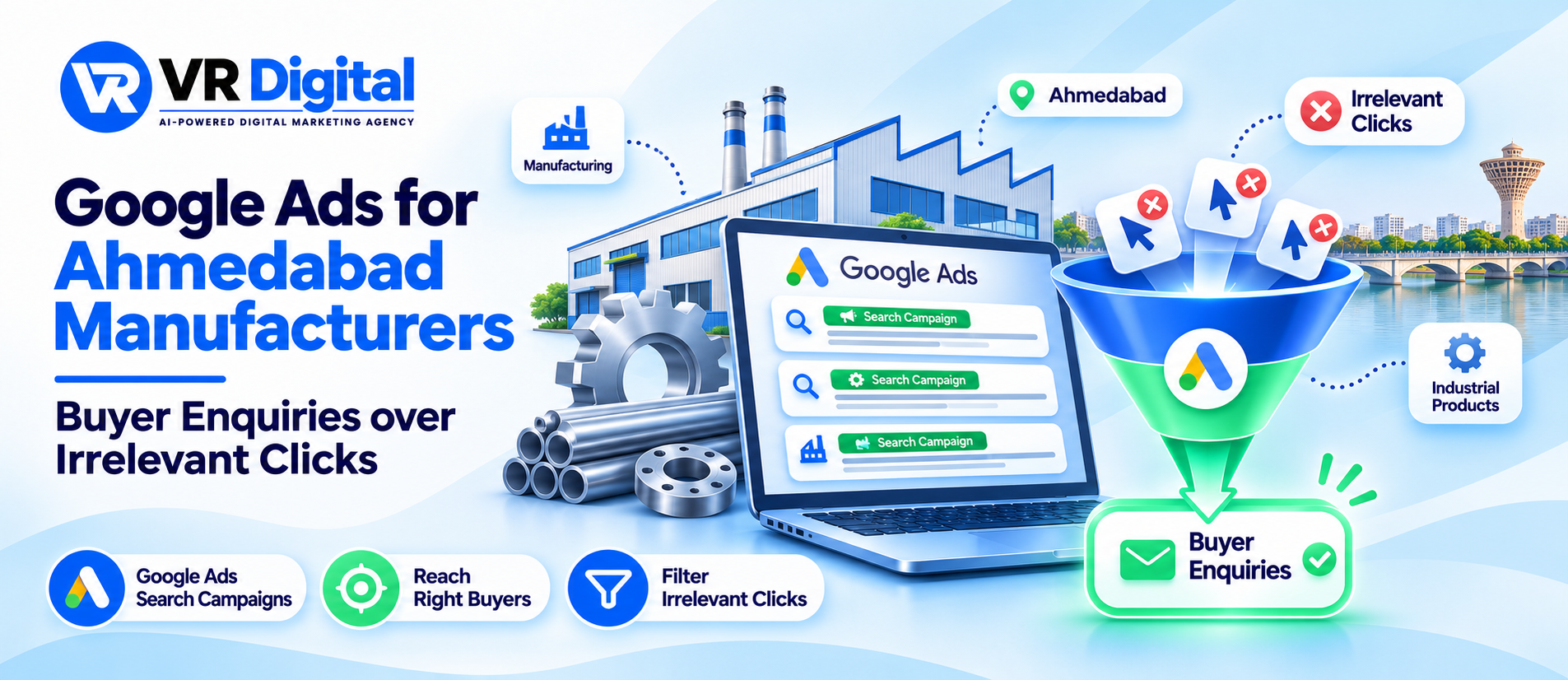
Google Ads for manufacturers in Ahmedabad works best when each campaign targets a product or process buyers can actually order. Start with the searches procurement teams use, send visitors to a page that explains what you supply, and judge success by qualified requests for quotation (RFQs). A click, call or form submission can start the journey. Sales still needs to confirm the specification, order size and delivery requirements.
Start with one product family your team has capacity to quote this month. Use the plan below to separate buyer enquiries from job searches, retail requests and other clicks that rarely turn into orders.
1. Plan Google Ads for manufacturers in Ahmedabad around what you can quote
Ask sales for recent RFQs and group them by product, process and application. Note the material, quantity, required delivery date and whether your team could quote the work. An engineering buyer may search for a process such as CNC turning, while a procurement manager may search for a supplier of a particular component. Build your first keyword list around the work both teams would recognise.
Split product lines when the search intent and destination page differ. A campaign for custom-machined components needs a different message from one promoting standard fasteners. For industrial PPC in Ahmedabad, choose a location strategy based on where you can ship or serve buyers. A manufacturer based in Ahmedabad can still target buyers elsewhere if it can deliver there.
2. Write ads and landing pages that help buyers check fit
Tell the buyer what you manufacture and what they need to share for a quote. If you make parts to drawing, say so in the advert and explain which materials, finishes and order sizes you can handle on the landing page. Publish tolerances, certifications and lead times only when your production team can substantiate them.
For manufacturing lead generation, turn product specifications into plain-language buying information. Someone sourcing a machined flange may need material grade, size range and inspection options before they can shortlist you. On mobile, place the major specifications near the top and give buyers a clear way to send drawings after their first enquiry.
If the same pages also target organic keyword rankings, review organic search visibility separately from paid campaign performance. Paid clicks and organic clicks can bring buyers to the same page, but your reports should show which channel generated the enquiry.
3. Use search terms to filter irrelevant clicks
Google Ads’ search terms report shows eligible queries that triggered your adverts. Build a negative keyword strategy by comparing those queries with the services you provide and the enquiries your team receives. If a machining campaign repeatedly attracts job seekers, look for terms such as “operator vacancies” and “CNC apprenticeship”. If you sell new machines, check whether used-equipment searches fit your offer before excluding them.
Review where each exclusion should apply. A term that wastes spend in one campaign may describe a real product in another. For example, a retailer-focused query could be irrelevant to a bulk-only product line and valuable to a separate campaign that accepts small orders. Keep a short record of what you excluded and why. Read Google’s guidance on finding negative keywords.
Check whether your landing page gives buyers enough information to enquire. Share a priority product page and the types of RFQs you want to receive. Request a free website audit.
4. Collect the details sales needs to qualify each enquiry
A B2B Google Ads campaign in Ahmedabad needs an enquiry form that helps staff respond. Ask for a company name, contact detail, product or process, and approximate quantity if it affects fit. Make optional details easy to skip. If a specification is sensitive, explain how the buyer can share it with your team after submitting the form.
Send a sample RFQ from a phone. Check whether the product selection reaches the right person, whether the buyer sees a confirmation, and whether the salesperson can reply without requesting information the buyer already supplied. Test a call enquiry as well so staff know how to record the product and buyer requirement.
5. Follow each qualified RFQ through to a quote and order
Define each stage with sales. An enquiry is a submitted request. A qualified RFQ meets your agreed criteria for product fit, minimum quantity and delivery coverage. A quote confirms that sales issued pricing. An order records the accepted business. Track these separately so a campaign with many form submissions does not look stronger than one that consistently produces quote-ready requests.
When you review reports with a Google Ads agency in Ahmedabad, ask for cost per qualified RFQ alongside cost per enquiry. Review why leads stopped progressing. Missing specifications suggest a different fix from poor campaign targeting or a slow quote response.
6. Make budget decisions using lead quality and sales outcomes
In an illustrative example, a campaign spends ₹18,000 and generates 30 enquiries. Only six qualify, three receive quotes and one becomes an order. The cost per enquiry is ₹600, while the cost per qualified RFQ is ₹3,000. Check what the qualified buyers searched for and why the other requests fell short before deciding which adverts deserve more budget.
Compare campaigns over similar periods and allow open quotes time to progress. If enquiries are consistently too small, make the order requirement clearer and check which queries bring those buyers in. If strong RFQs are waiting for a response, fix the sales handoff, then review the next group of leads.
Build your next manufacturing campaign around the work your team wants to quote. Bring a priority product, its landing page and a few recent RFQ outcomes.