A student in Pune searches for an evening coaching batch after college. The advert promises a demo, but its landing page lists several courses without saying which batch has seats. The student submits a phone number and waits. When the institute calls, the available class is in the morning and the demo requires another booking.
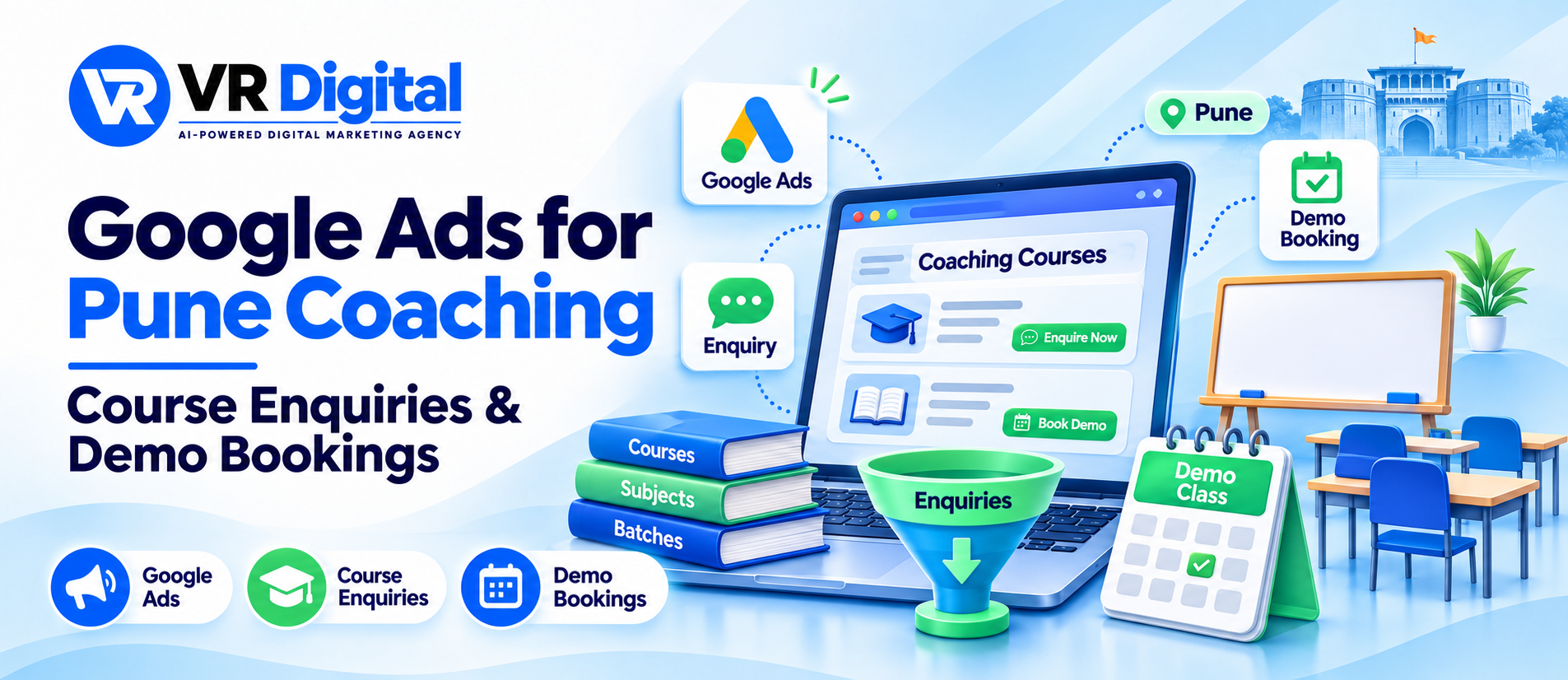
Google Ads for coaching institutes in Pune should connect a student’s course requirement with a batch the institute can explain and deliver. The campaign, course page and admissions team need the same information about timings, format and the next step. This guide explains how to track course enquiries through to demo attendance so you can see where prospective students need help.
Choose the course and batch you can support
Start with a current batch register. Include the course, teaching format, location, timings and the person who confirms availability. Record the verified start date where one has been announced. If an upcoming batch is still being planned, describe enquiries as expressions of interest and make the confirmation process clear.
Review recent admissions conversations for common mismatches. Students may need weekend classes, a particular exam level or an online option. Group those requirements before deciding what to advertise. A focused offer makes it easier for the counsellor to answer the enquiry without redirecting the student through several departments. Explore Google Ads services for Pune institutes.
Build search campaigns around course intent
Separate courses when their requirements and landing pages differ. A language preparation course and a competitive exam batch need different explanations. Even within one course, a beginner’s enquiry may require a different conversation from an advanced revision request. Keep the structure manageable for your budget and admissions capacity.
Review actual search terms alongside staff notes. Searches for fees, class timings, online batches and demo classes can reflect different stages of the decision. Treat suggested keyword ideas as starting points to check against account data. Use negative keywords carefully when requests clearly concern something the institute does not provide, such as jobs or unrelated courses.
Keep location claims precise. Explain which centre runs the batch and whether online access is available. A city-wide campaign should still help students understand the travel or attendance requirements before they submit. Check campaign location settings and enquiry locations as part of the review.
Give each course page enough detail to decide
Open the page as someone comparing institutes on a phone. Show the course, format, centre and available timing information near the top. Explain what the demo covers and whether it represents a regular class or a separate introduction. Put the next action beside the information that helps students choose it.
Include accurate fee information or explain how the team provides a quotation. Describe included materials and access periods where verified. Have the academic team review syllabus and faculty statements. Use permission-based, substantiated testimonials and avoid promises about guaranteed exam results. A clear description lets students assess fit before an admissions call.
Test the form with a sample enquiry and confirm that the selected course reaches the counsellor. Check that labels, error messages and the confirmation screen remain readable on mobile. Explore website development support for Pune education businesses.
Check the journey from search to demo request. Share one advert, its course page and the booking process your team follows. Request a free website audit.
Define each step in the admissions journey
Keep a submitted enquiry separate from a reached student, a suitable course enquiry, a booked demo and an attended demo. Define the stages with admissions so different counsellors use them consistently. A student clicking a call button may still fail to reach the team, while a completed form can require further clarification.
For example, a suitable enquiry might mean that the student needs the advertised course and can attend an available format or batch. A booked demo should have an agreed time and a clear joining or arrival instruction. Record cancellations and rescheduling so repeated attempts do not inflate the number of prospective students.
Google provides qualifying response options for eligible Search lead form setups. Review the current feature before relying on it and keep your institute’s own follow-up definitions clear. Read Google’s guidance on qualifying lead form responses.
Make follow-up useful for the student
Start the conversation with the course the student selected. Confirm the required level, preferred timing and learning format before recommending a demo. Share a concise message containing the centre or joining route, date, time and whom to contact if plans change. Collect only the information needed to handle the request.
Give the team a way to track pending replies and promised callbacks. If a student is waiting for a weekend batch, record that requirement and agree how to share an update. If the demo is full, explain the next available option. Consistent notes help the next counsellor continue the conversation without asking the student to start again. Read the guide to measuring marketing outcomes.
Test a request received outside admissions hours as well. Confirm who checks it next, where it appears and what message the student sees while waiting. This small handover check can reveal missing course details or unclear ownership before a campaign sends more enquiries to the team.
Review demo attendance before increasing spend
Compare campaign spend with suitable enquiries, demo bookings and attendance using the same reporting period. Allow recent enquiries time to complete follow-up. In an illustrative example, twenty demo bookings with ten attendees call for a different review from twenty suitable enquiries with only two bookings.
Ask admissions why people did not progress. Unclear timings, missing joining instructions and an unavailable batch need specific fixes. Review those causes with the course page and advert in view. Improve one identifiable issue, record the change and compare the next similar group of enquiries.
Plan campaigns around courses your team can explain clearly. Bring your current batches and recent demo enquiry outcomes. Discuss your Pune coaching campaign with VR Digital.