A Chennai customer opens a service page in English, understands the offer and switches to Tamil to check the booking details with a family member. The Tamil page opens at the homepage instead. The customer must find the service again and work out whether the price and coverage are the same. A language option was available, but it interrupted the enquiry.
Bilingual website development in Chennai works best when each language helps people complete the same task. Customers should be able to understand the service, check the details and contact your team in the language they choose. This guide explains how to plan Tamil and English service pages, review the wording and test the journey before launch.
Start with the services customers ask about
Choose a small group of important services for the first release. Review phone enquiries, website searches and the questions staff hear at the counter. Ask which details customers need explained in Tamil and which technical terms they already use in English. A repair business might find that people recognise an appliance model in English but prefer to discuss the visit and charges in Tamil.
Make a page list that pairs each English service with its Tamil version. Include the enquiry form, confirmation message and any booking terms. Assign an owner to each service so translators can confirm what the business actually offers. This creates a practical brief for your local business website design. Explore website development support for Chennai businesses.
Write the service clearly before translating
Start with a plain explanation of the service, who it helps and what the customer needs to do next. Include coverage, opening hours and how your team prepares a quotation. If prices depend on inspection, explain the process in both languages. Keep the service facts together so the Tamil reviewer can check them against one agreed source.
For a fictional home appliance service, the page could explain which appliances the team handles, where technicians travel and how a visit is confirmed. It could also explain what customers should have ready, such as a model number. These details are more useful to the translator than a heading followed by general promotional copy.
Use customer questions to decide what deserves a paragraph or heading. A page that answers how a service works gives the reviewer something precise to translate and the reader a reason to enquire. Read the guide to content that answers buyer questions.
Review Tamil wording with someone who knows the service
Ask a fluent Tamil reader who understands the offer to review the page. Have them check whether it sounds natural and carries the same meaning as the English version. Review service names, units, address details and instructions carefully. A translated call to action should tell customers what they are requesting and what your team will do after submission.
Keep familiar product names and model codes consistent where customers need them to identify an item. Review mixed Tamil and English terms for readability instead of forcing a literal translation of every word. Ask reception or sales to read the page aloud and explain how they would respond to a customer using it. Record approved terms so future pages use them consistently.
Give each language a stable page and an easy switch
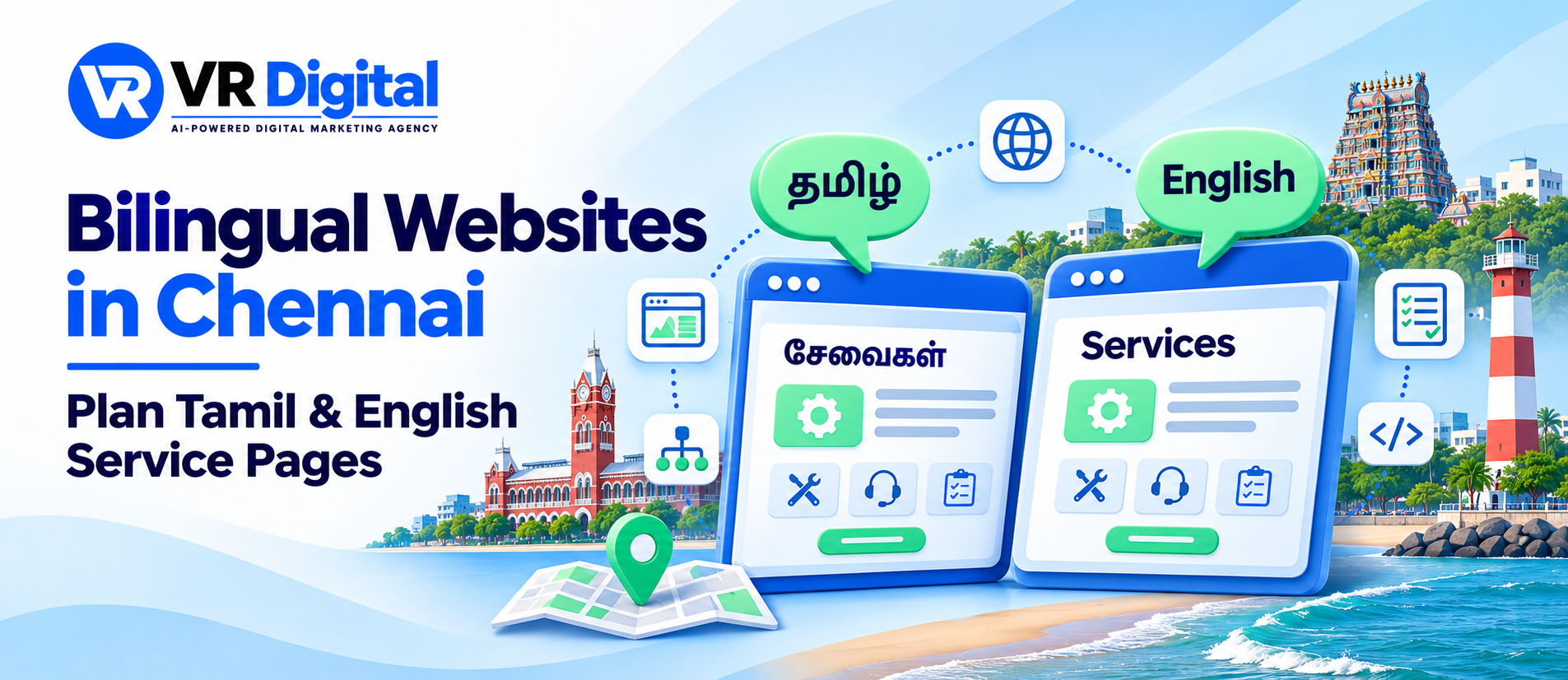
Plan an address for each language version and keep the connection between paired pages clear. A visitor reading the English repair page should reach the Tamil repair page when switching languages. The switch should stay easy to find on mobile and display language names clearly. Test it from the middle of a service page as well as from the main menu.
Google documents how to identify language variations with hreflang annotations. Each version should reference itself and its corresponding alternatives, using complete URLs. Ask the developer to check the implementation against the current guidance and test links between published pages. Read Google’s guidance on language versions.
Give both pages descriptive titles and headings suited to their language. Include the wording customers use naturally and check which queries lead to each page after launch. Explore SEO support for Chennai service pages.
Check your Tamil and English enquiry journey. Share one paired service page and the action you want customers to complete. Request a free website audit.
Test forms and replies in both languages
Complete a test enquiry from each version on a phone. Check field labels, error messages and the confirmation screen. If the form accepts a preferred language, make sure the reply team receives it. Ask staff to confirm that they can identify the requested service and contact the customer through the channel described on the page.
Test Tamil characters in names and messages. Check that text remains readable after it reaches the email inbox or customer management system. If a customer needs to correct a field, keep their other answers in place where practical. Read the confirmation as a customer would and verify that it explains whether they requested a callback or confirmed a booking.
Check Tamil text at the sizes customers actually use. Look for clipped button labels, awkward line breaks and characters that render differently between devices. Have a reviewer complete the enquiry using a slower mobile connection so loading delays and navigation problems become visible before launch.
Keep service details aligned after launch
Create a short update checklist for changes to prices, coverage, contact numbers and appointment availability. When the English page changes, assign the corresponding Tamil review as part of the same update. Check downloadable documents and confirmation messages too. A current page can still confuse readers if it links to an old brochure.
Review enquiries by language alongside staff feedback. If Tamil visitors repeatedly ask a question the page is meant to answer, ask the reviewer to check the wording and placement. Start with one service, improve the journey and apply what you learn to the next pair of pages. Discuss a bilingual website plan with VR Digital.