A shopper sees a pair of sandals in your Instagram feed during their commute. Before getting off at the next station, they want to know three things. Is their size in stock, which branch has it, and will the shop still be open when they arrive? If the post leaves those questions unanswered, the shopper has to message you or make the trip without knowing what they’ll find.
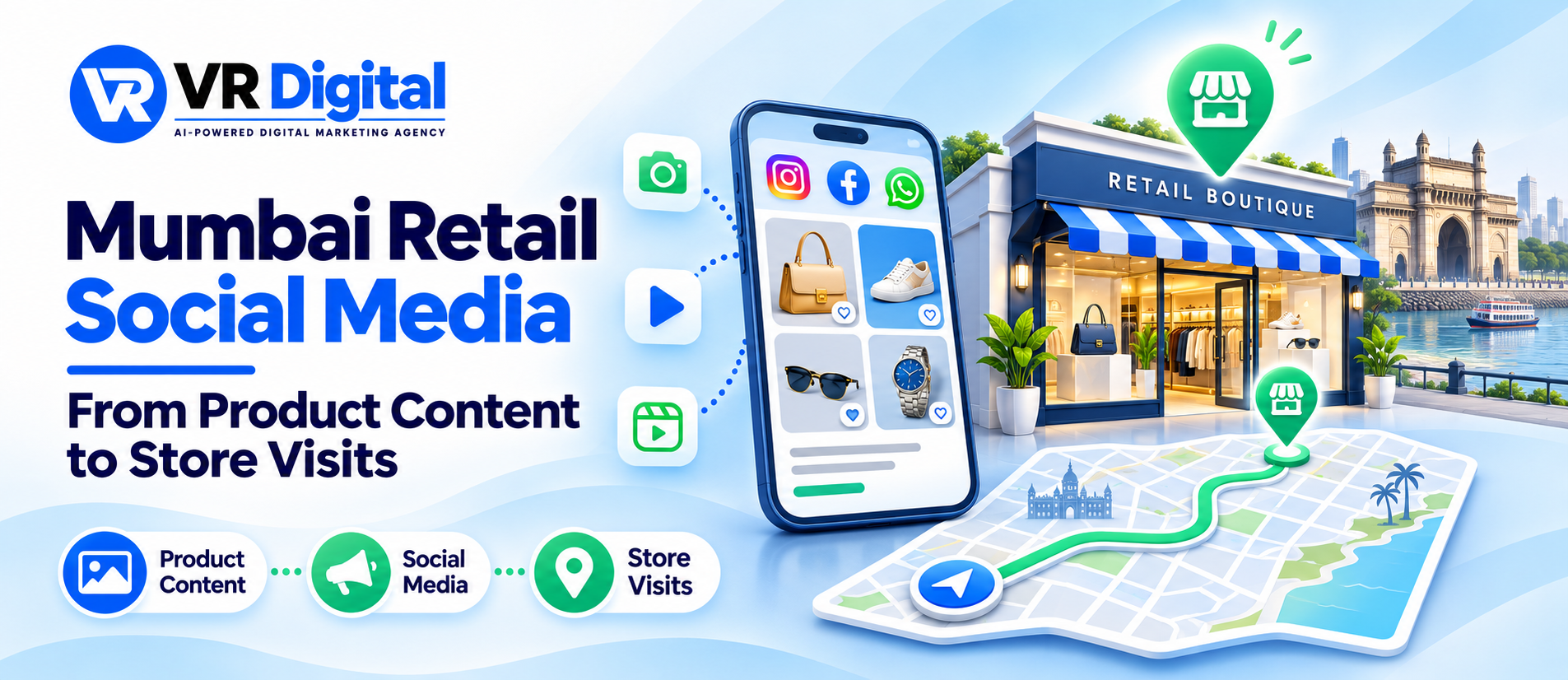
Social media marketing for retail stores in Mumbai works best when product content helps people make that decision. A good post shows the item, gives shoppers a reason to see it in person and makes the next step easy. This guide explains how to plan those posts and see which ones lead to useful store enquiries.
Answer the questions shoppers ask at the counter
Ask staff to write down the questions they hear most. A footwear team might hear, “Does this run small?” A homeware shop might get asked whether a shelf fits a narrow kitchen. Turn those questions into demonstrations, comparisons or short captions. Show the detail that a product photo alone cannot explain.
Choose a product content strategy around decisions shoppers can make. A video can show how a bag sits on a shoulder. A carousel can compare two sizes against familiar objects. A caption can say which branch has both sizes on display so the shopper can compare them in person.
If you need help turning common questions into a repeatable plan, discuss them with VR Digital’s social media team for Mumbai retailers.
Make every post useful for a particular branch
Name the branch when availability varies. A shopper who sees a display in a Bandra store needs to know whether the same item can be seen in Andheri. Add an accurate locality, the relevant store contact and a next step such as asking staff to confirm a colour or size.
Give each time-sensitive update a clear date. If a product sells out, update the caption where practical or post a fresh availability note. For promotions, explain which branch participates, when the offer ends and which products are included. Have a staff member check those details before the post goes live.
Keep opening hours current on the website and on Google Maps. Google provides instructions for editing Business Profile hours. When customers struggle to find the right branch, review store information with VR Digital’s local SEO team for Mumbai.
Build a retail content calendar around stock and staffing
Pick products the team can show, explain and sell that week. Give each post one job. A demonstration helps someone understand the product. A comparison helps them choose between options. A branch update tells them where and when to visit.
For example, a luggage shop could show what fits in a cabin bag early in the week, compare two models after new stock arrives, and share a weekend update with the branch and opening hours. Assign one person to confirm stock and someone to answer messages while the post is drawing attention.
Reuse footage when it answers another question, such as turning a longer demonstration into a clip about a pocket or fastening. For help choosing formats around shopper questions, see VR Digital’s guide to content that answers buyer questions.
Give shoppers one easy next step
Choose a call to action that matches the post. Invite shoppers to check their size after a fit comparison or get directions after a branch walkthrough. When staff can hold items, explain how long the hold lasts. Give the customer a clear answer before asking them to travel.
Set up a short reply that staff can personalise. A useful response confirms the item, branch and time the stock was checked. It also offers a sensible alternative if the requested option is unavailable. Avoid sending the same catalogue link to everyone who asks a specific question.
Review the journey from post to shop floor. Ask VR Digital to look at how your store pages handle branch details, directions and product enquiries. Request a free website audit.
Track store interest and visits separately
Record a few actions your team can measure consistently, such as stock enquiries, confirmed holds and visits where shoppers mention a post or redeem a code. If a shopper messages twice about the same pair of shoes, count one enquiry. Give staff a quick way to record the branch and product involved.
Direction taps, post saves and profile visits can help explain where interest starts. To check what happens afterwards, ask a short optional question at checkout or record whether a confirmed hold was collected. Keep totals by branch and product. Collect personal details only when the store needs them to handle the enquiry.
Review the records alongside product availability. If a post attracts questions but produces few collections, check whether the advertised sizes were available and replies arrived in time. If people visit but choose another item, ask the floor team what influenced the decision. That feedback can shape the next comparison post.
Promote a post once the store can handle the response
Check the featured stock, opening hours and reply process before paying to reach more shoppers. When testing an offer at one branch, keep the message and destination specific to that branch. Compare the results with a similar period and note changes in stock, opening hours or events that may have affected footfall.
For a paid campaign, discuss branch coverage, creative and measurement with VR Digital’s Facebook and Instagram advertising team for Mumbai. Use the test to learn which offers bring relevant questions and store visits your team can confirm.
Want a content plan for your next product launch? Share the items, branches and questions your team hears most. Contact VR Digital.