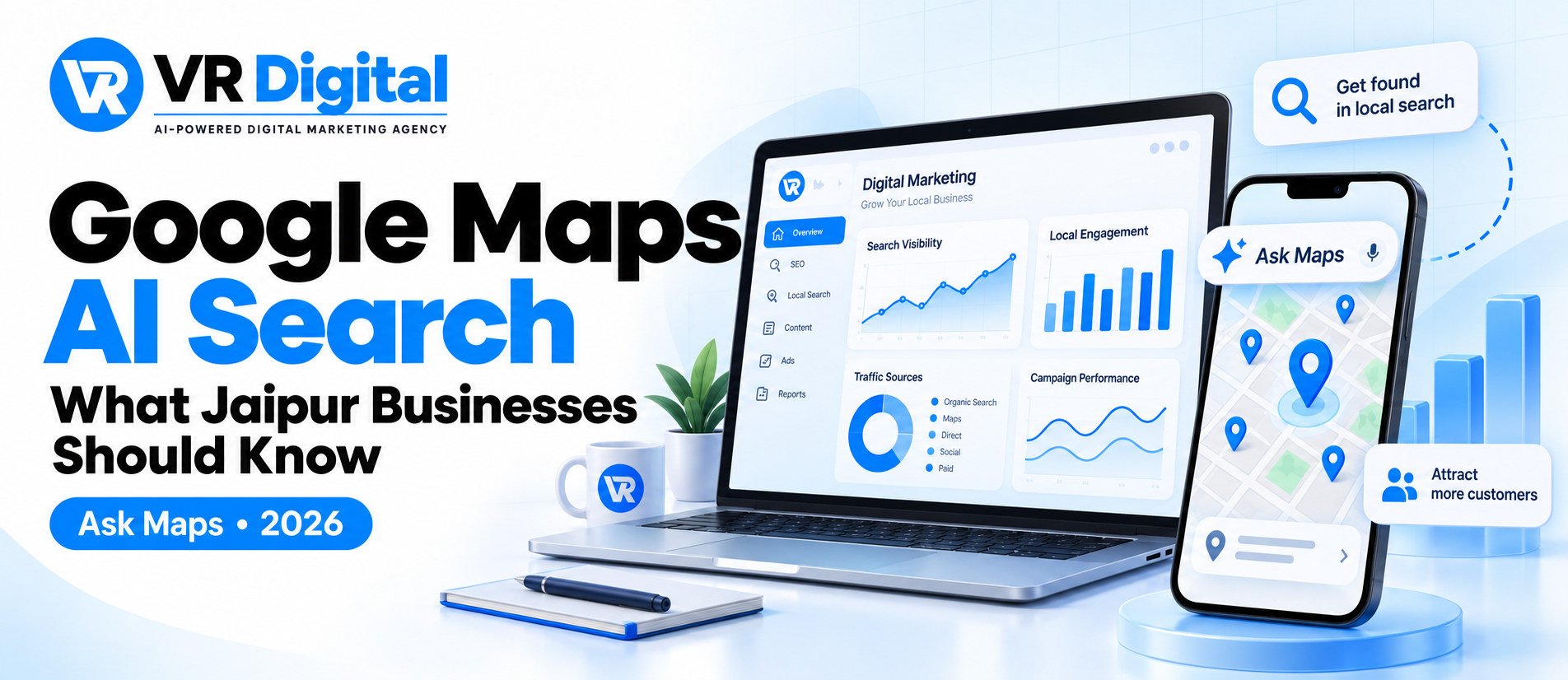
India owners keep asking the same thing: what changes with Google Maps AI search, and does ‘Ask Maps’ actually affect my footfall in 2026? Short answer: it does when your profile and content give the assistant clear reasons to choose you.
Here’s the practical view for India. Ask Maps India brings conversational results inside Google Maps. People type or speak prompts like “best veg lunch near Civil Lines open now” and get a summarised short list with cited reasons. If your information, reviews and photos don’t answer that prompt, you won’t make the cut.
What is ‘Ask Maps’ and how Google Maps AI Search changes local discovery
At its core, ‘Ask Maps’ is a conversational layer in Google Maps that turns free‑text prompts into ranked shortlists, with reasons sourced from Google Business Profiles, reviews, photos and public web content. It’s still Maps, but the path from query to decision is shorter.
- Prompts get specific: “quiet cafe for meetings near MI Road with Wi‑Fi”.
- Results explain “why”: snippets cite reviews, photos or profile details.
- Filters matter more: open now, dietary needs, kid‑friendly, payment types.
- Freshness shows: recent photos, posts and review velocity can influence visibility.
- Availability can vary by user and locale; expect staged rollouts in India.
For businesses in India, this shifts focus from generic keywords to intent-rich prompts. Winning requires clean data, strong proof points and on‑site content the assistant can understand and quote.
What businesses in India should optimise first
If you only do three things, do these: make your Google Business Profile complete and specific, maintain real‑world accuracy (hours, phone, payment), and earn reviews that mention what you want to rank for. This is the baseline for local SEO India in 2026.
Most teams move faster when they use professional local SEO and Google Business Profile optimisation. Whether in‑house or with a partner, the work is the same: correct categories, detailed services, attributes (parking, wheelchair access, UPI accepted), photos and short videos that prove claims.
Work through a tight checklist and keep it living. Add products or menu items with prices, update “special hours” during festivals, enable messaging, and publish Posts for time‑bound offers. Use Hindi or Hinglish phrases where they reflect how customers actually search and ask.
Content for Ask Maps prompts: building entities and answers
Maps’ AI surfaces reasons. Give it reasons. Build on‑site pages that directly answer common prompts you hear on the phone: “AC service within 2 hours in Vaishali Nagar”, “rooftop dinner near Hawa Mahal”, “same‑day saree blouse stitching”. Write plainly, show photos, state inclusions, exclusions and service areas.
Tie this to your internal linking, schema and crawl paths. Use LocalBusiness, Service, Product and FAQ markup where accurate. Link from category pages to neighbourhood or landmark pages the way a person would navigate. If you need help connecting content and crawlability, look at search engine optimization services that specialise in local entity building.
Don’t forget Questions & Answers. Seed factual Q&A on your profile, then mirror the same answers on your site where appropriate. That consistency helps any AI local search system understand and quote you confidently.
Signals Maps AI reads: reviews, photos, recency and activity
While Google doesn’t publish a ranking formula, the assistant’s reasons commonly reference reviews, photos and profile details. That suggests the content of reviews, the freshness of updates, and the clarity of services and attributes matter.
Focus on what you can control. Ask for reviews after real visits and prompt specifics (e.g., “mention wheelchair access or Jain options if relevant”). Reply to reviews with substance. Keep adding recent, authentic photos that show menus, seating, parking and staff at work. For complex rollouts or multi‑location needs, consider AEO, GEO and AI search optimisation to align on‑site entities with profile data.
Monitor owner activity weekly. Update seasonal hours, check for policy or name issues, and keep products and services synced with actual stock or availability. Consistency across your site, profiles and major directories reduces confusion.
Measurement and experiments in 2026
You can’t manage what you don’t measure. Set a baseline, then change one thing at a time and watch deltas weekly. Start by exporting Google Business Profile Insights and adding UTM parameters to every link from the profile to your site.
Track map views, calls, direction requests, website clicks, profile searches and the search terms report. In GA4, attribute sessions and conversions to GBP via campaign/source tags. If calls drive revenue, add call tracking. When traffic lands on weak pages, improve website development and conversion optimisation so that organic discovery turns into leads or visits.
Core metrics to monitor weekly
- Discovery vs direct views, calls, direction requests and website clicks
- Top “search terms” inside GBP and their movement
- Review velocity and average rating distribution
- Photo additions and views trend
- Sessions, engaged sessions, and conversion rate from GBP-tagged traffic in GA4
Simple tests to run each month
- Add or refine one secondary category and compare 28‑day metrics
- Publish two Posts with offers; measure website clicks and Calls
- Upload five new photos and one 10–20s video; track photo views
- Expand a service page with clearer inclusions and landmarks; monitor related queries
Paid and organic together on Ask Maps
Organic signals power the assistant’s reasons. Ads can add reach while you build those signals. In India, availability of formats varies by category, but you’ll typically see Local search ads in Maps results, promoted pins, and Performance Max with location extensions.
Use ads to capture high‑intent prompts around store hours, nearby availability and urgent services. Keep the landing experience tight and fast on mobile. If you need structured help on budgets, creative and location assets, explore Google Ads campaign management that’s comfortable with local objectives.
When ads are worth it (and when they’re not)
- Worth it: You have clear unit economics, reliable conversion tracking and seasonal demand.
- Maybe not yet: Your profile is incomplete, reviews are thin, or your team can’t handle incremental calls.
- Test first: Start with branded and near‑me intent, then widen based on actual conversion data.
Talk to a VR Digital Strategist →
Conclusion
Google Maps AI search rewards clear information and genuine proof. If India customers can ask “what’s best for me right now?” and your profile and site answer that cleanly, you’ll feature more often when Ask Maps appears.
Build the foundations, then iterate with data. If you’d like experienced support aligning entities, content and measurement for India, VR Digital can help. Start with one improvement this week and watch what changes.
What Google has confirmed about Ask Maps
Google announced Ask Maps on 12 March 2026, with rollout in the US and India on Android and iOS. Feature availability can vary. Keep business details, hours and service information accurate; there is no guaranteed placement process for individual businesses.
Explore our local SEO services in India or request a website review to identify the next step for your business.
Source: Google’s Ask Maps announcement.
Applying this guidance to your business
Google Business Profile optimisation starts with accurate business details and the right eligibility. Multi-location SEO needs useful pages for real locations, not interchangeable city pages. Local business citations should reflect the same genuine name, address and contact information.
Explore our Local SEO & GMB Service service for the scope and process.
Sources and editorial context
For the platform guidance relevant to this article, see Google’s local ranking guidance.
This update used AI assistance to clarify the explanation and supporting references. It is general guidance, not a report of a new client experiment. Check the current platform documentation and your own account data before applying it. Learn about VR Digital or send a correction or question.